MGC tool bench

Template Studio

Turn a saved Palette into stained-glass template planning and materials output.

Bring a saved Palette into a stained-glass template, assign glasses to regions, and preview the panel before cutting.

Coming Soon All tools

What it does

Turn selected glass into a pattern plan.

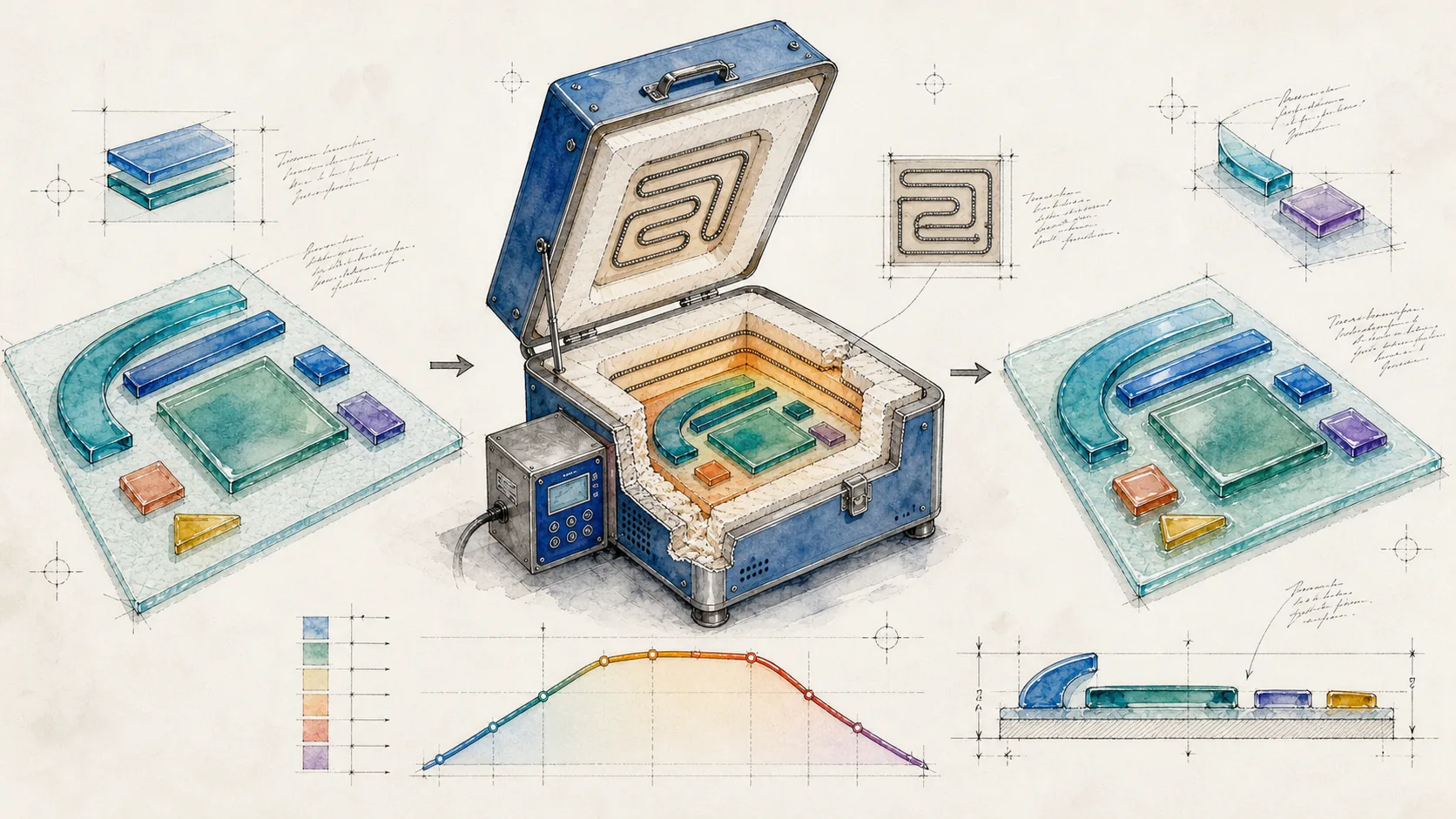
Template Studio is the bridge between palette decisions and stained-glass layout. It is designed to help map selected glass to template pieces, keep piece labels aligned, and prepare cleaner material and project outputs.
Three useful ways to use it

Turn a studio question into a next step.

  1. Load a palette into template planning.
  2. Assign glass choices to regions.
  3. Prepare cleaner material and layout outputs.

Where it fits

Part of the My Glass Cookbook family.

The Portal is the free learning layer. This tool is part of the practical bench that helps you move from reference material into glass choices, schedules, templates, notes, and repeatable studio decisions.