Start with a photo
Palette
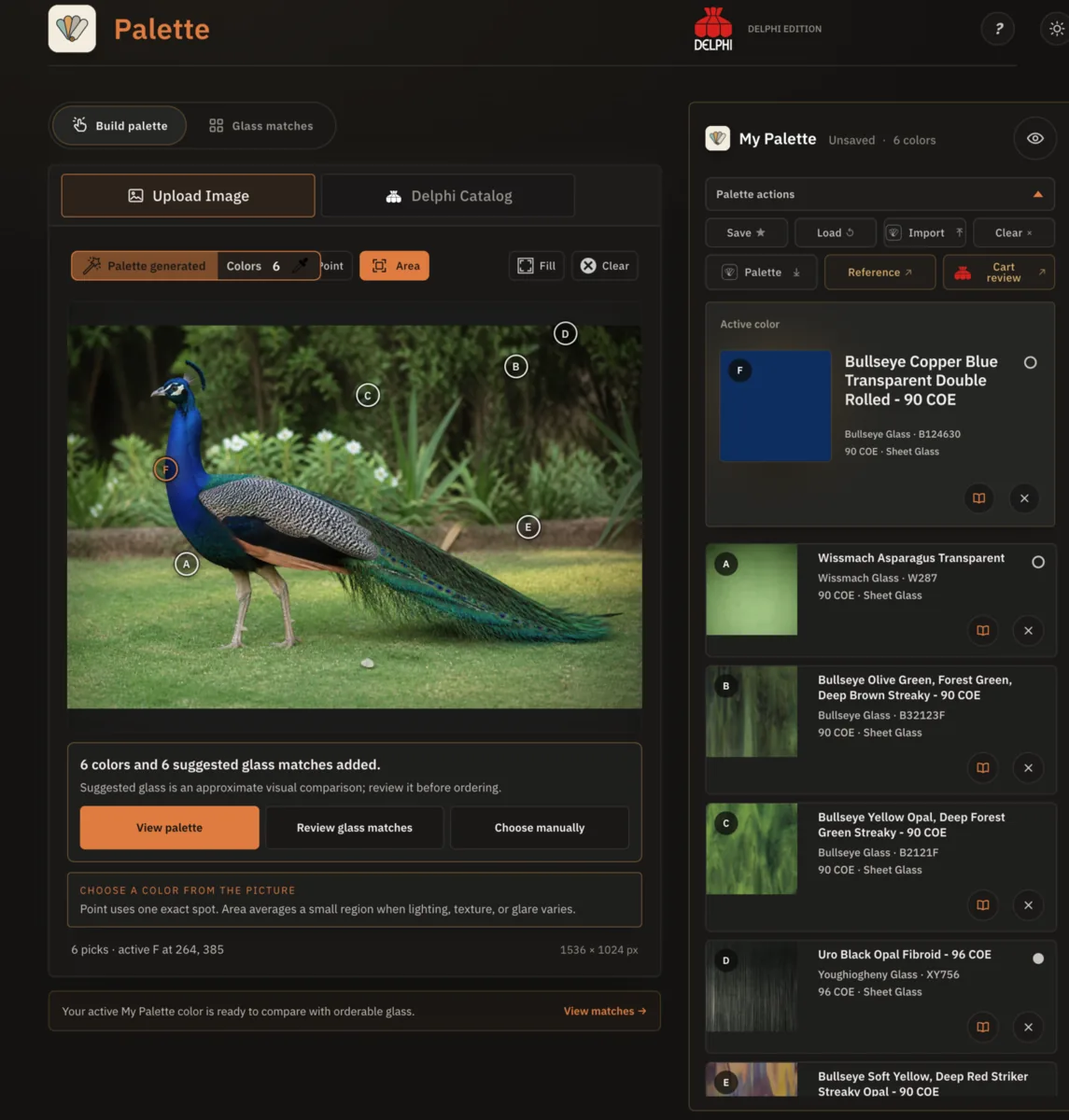
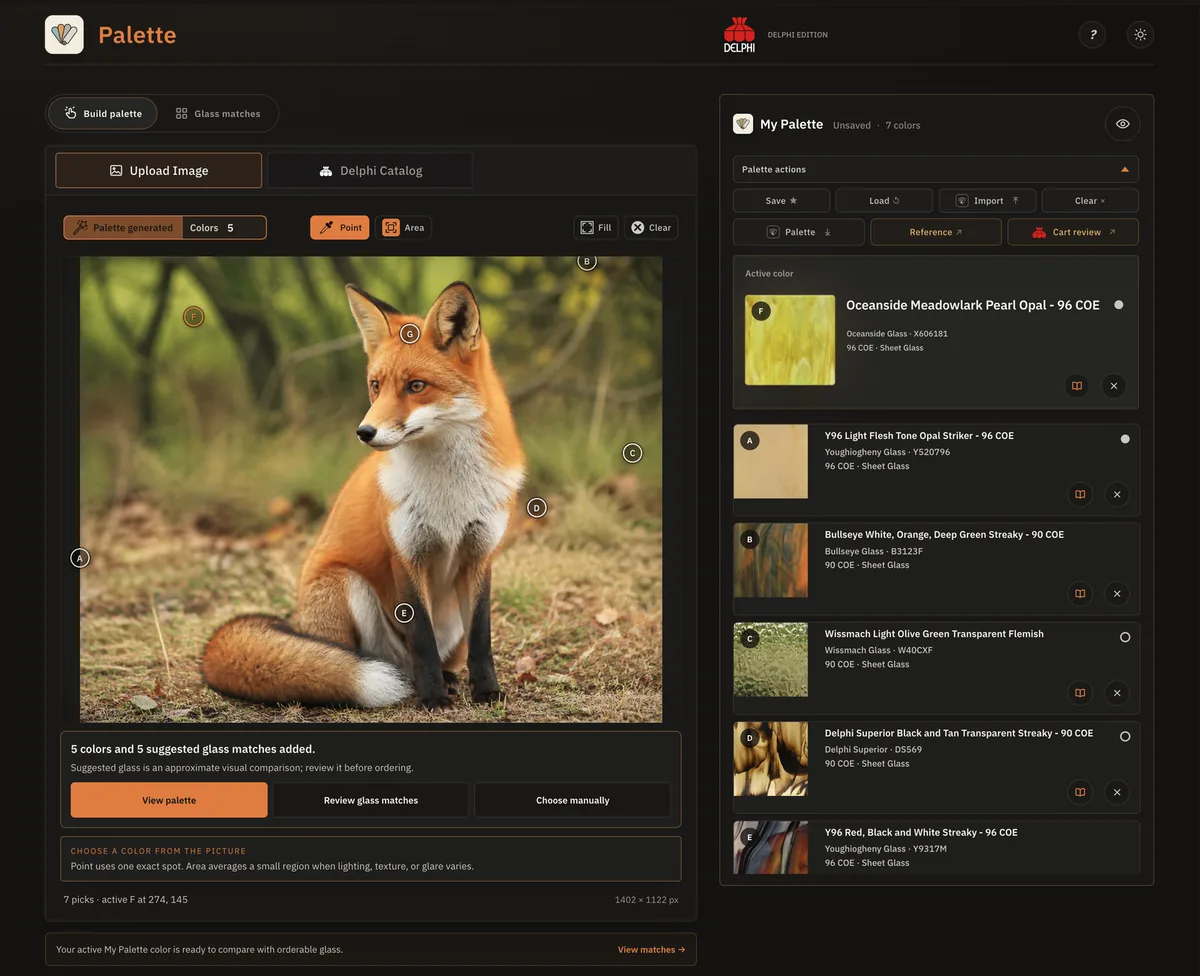
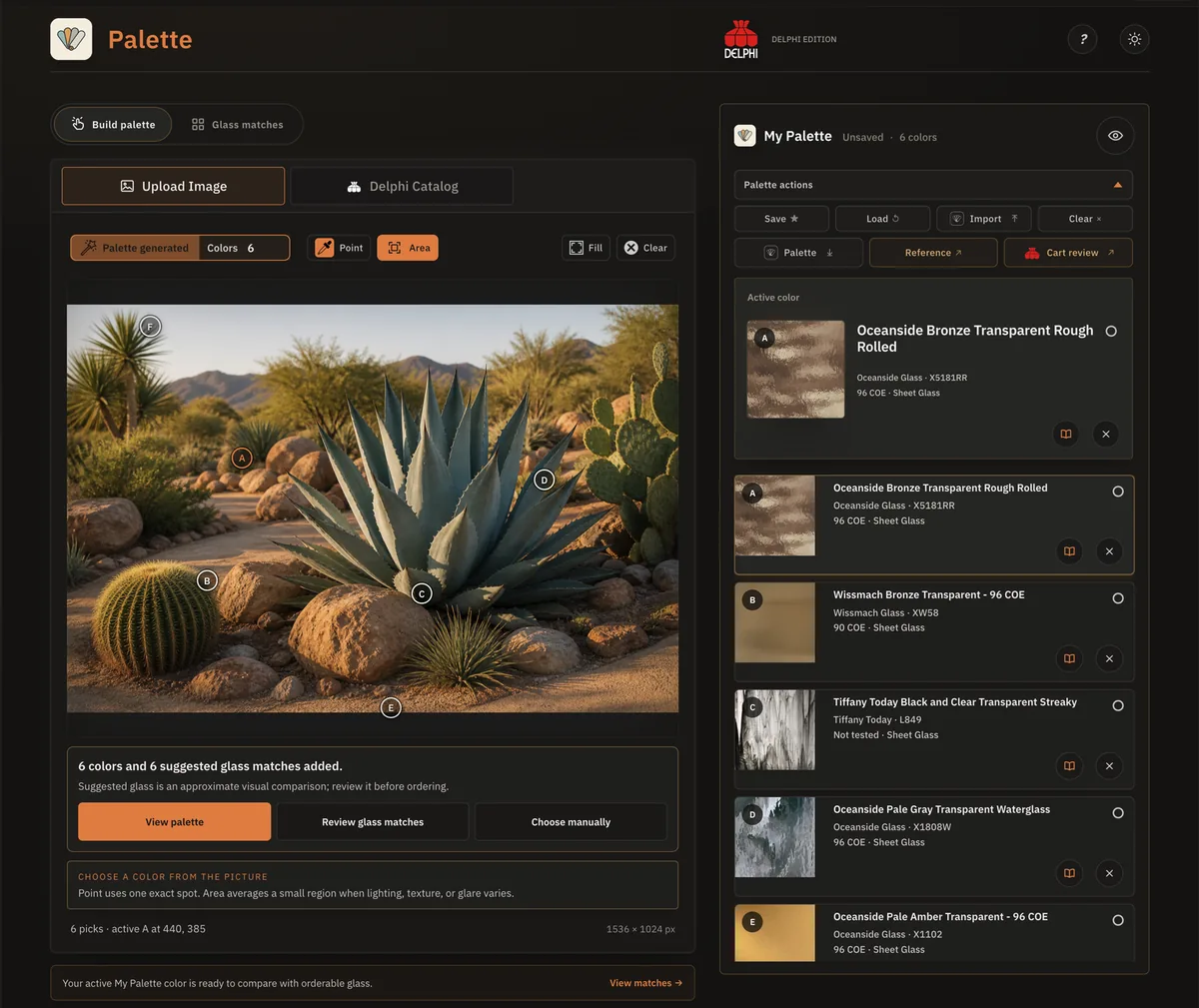
Build a color palette from any photo, then compare it with real glass from the Delphi catalog.
Works on mobile, tablet, and desktop.
Open Palette ↗Search My Glass Cookbook

Use the open Portal when you need trusted glass references. Then move into the right MGC tool when the studio question becomes practical: app notes, reusable records, or a firing schedule you can review before programming the kiln.

New apps
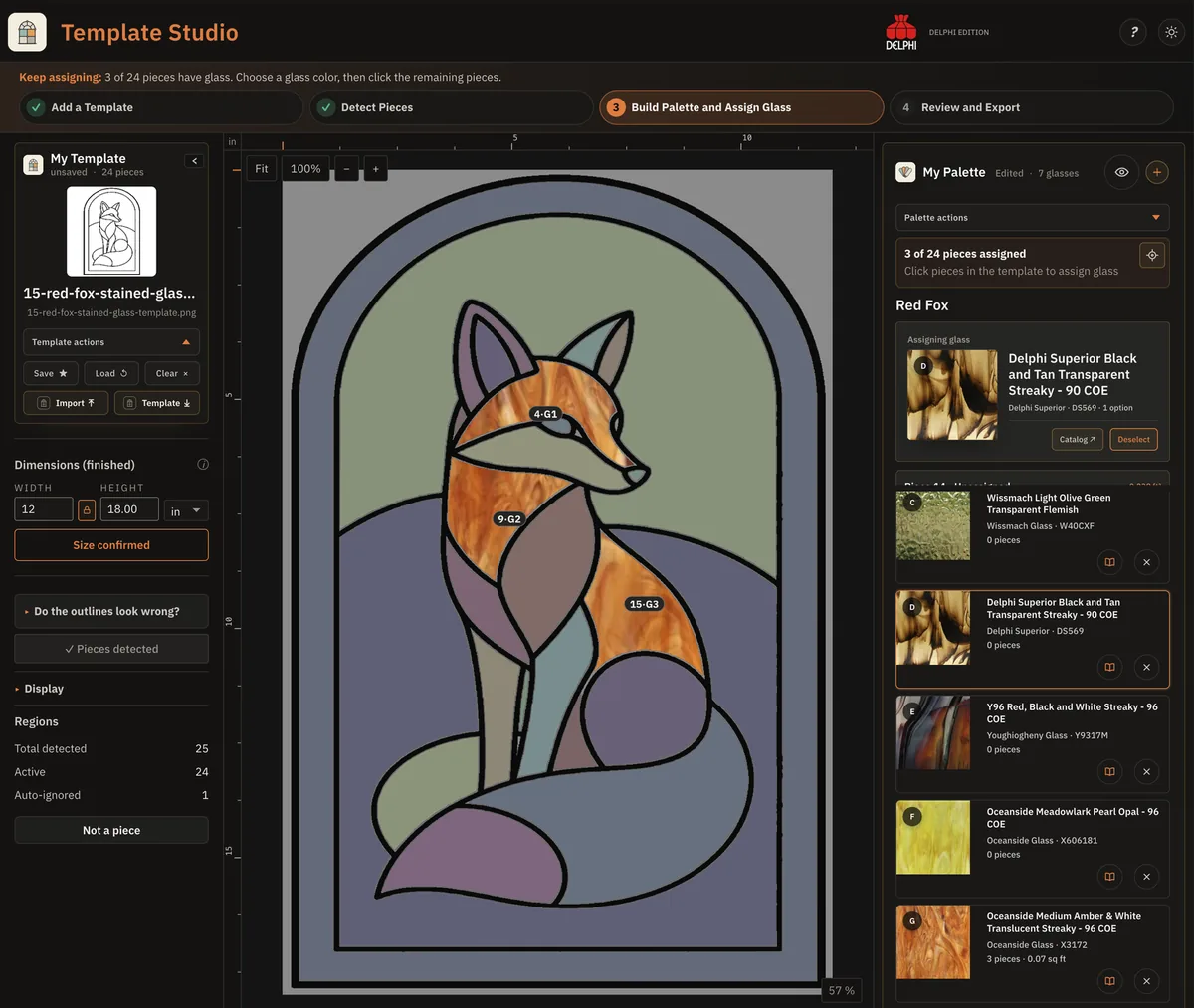
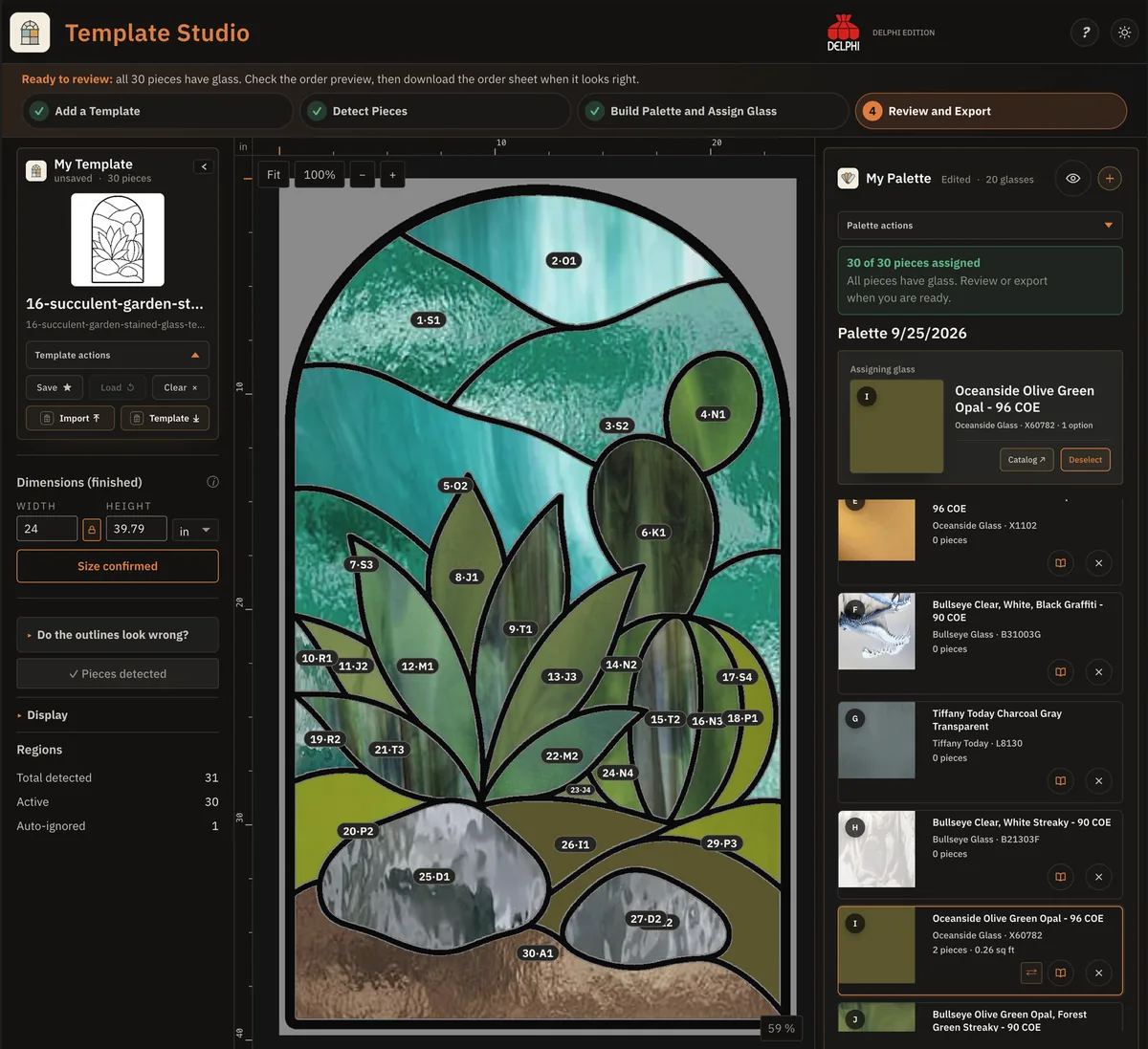
Move from inspiration to an order-ready glass plan. Watch the same project travel from Palette into Template Studio.
Start with a photo
Build a color palette from any photo, then compare it with real glass from the Delphi catalog.
Works on mobile, tablet, and desktop.
Open Palette ↗
Build the project
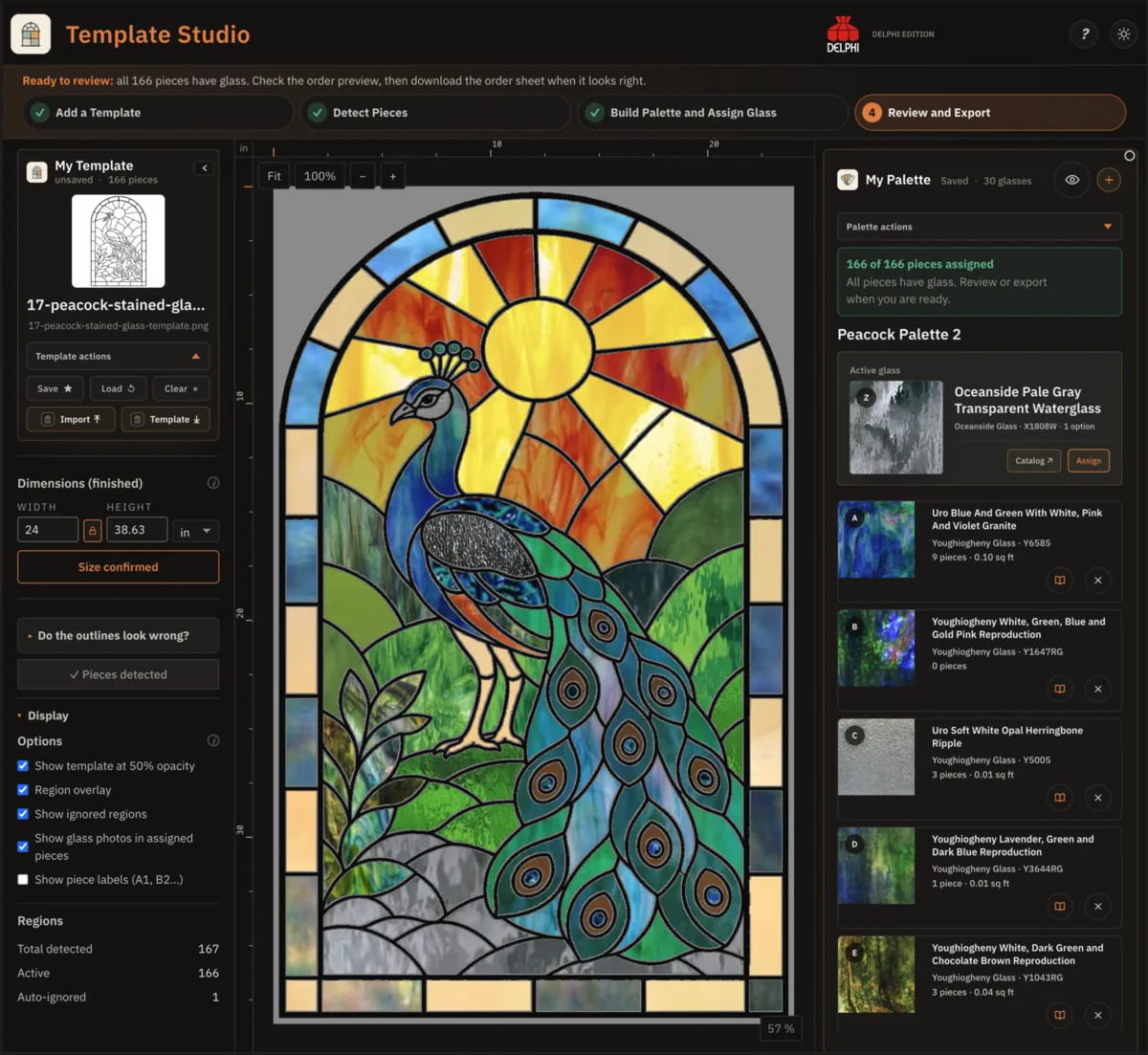
Upload a pattern, detect the pieces, assign glass, and prepare an order-ready project plan.
Works on tablet and desktop.
Open Template Studio ↗Showing Peacock example
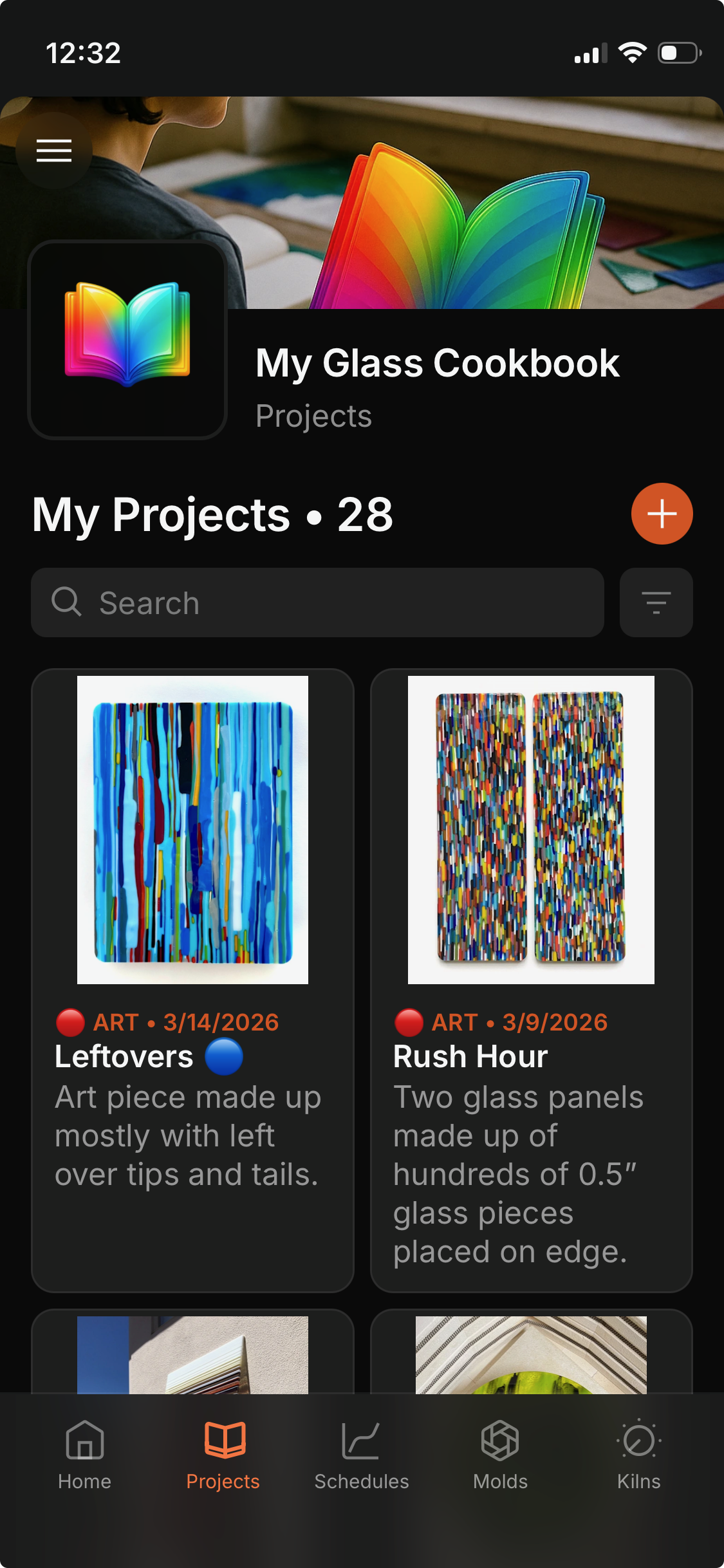
Keep studio notes, recipes, firing references, and project context together as you learn and make.
Save the references and decisions you want to come back to while planning glass projects.
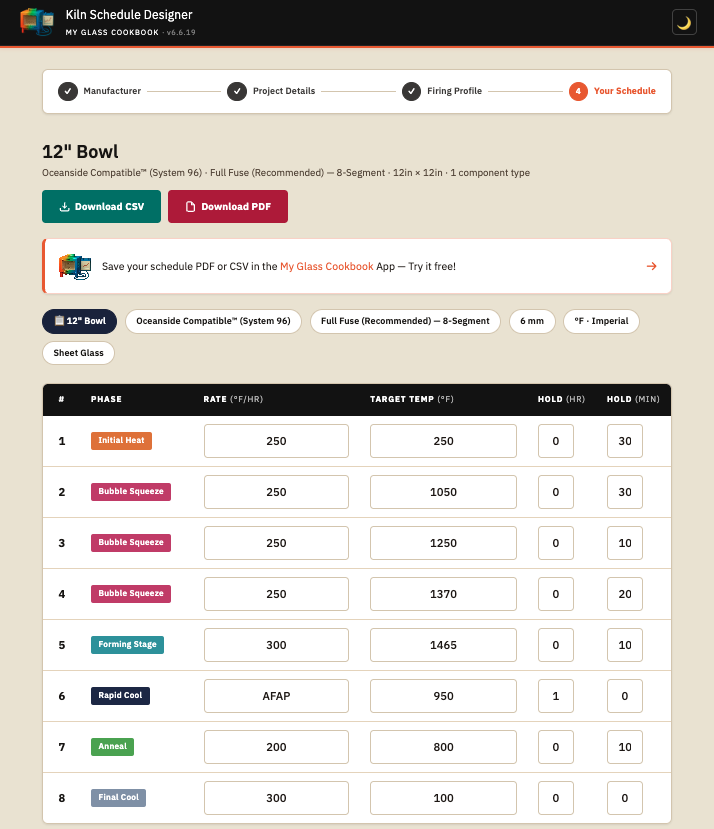
Plan, visualize, and explain kiln firing schedules for fused glass work.
Choose a firing goal, review stages, and create a clear ramp/hold schedule.