What it does
Keep studio context together.
The original My Glass Cookbook app is becoming the studio notebook tool inside the larger MGC family.
Portal search
MGC tool bench
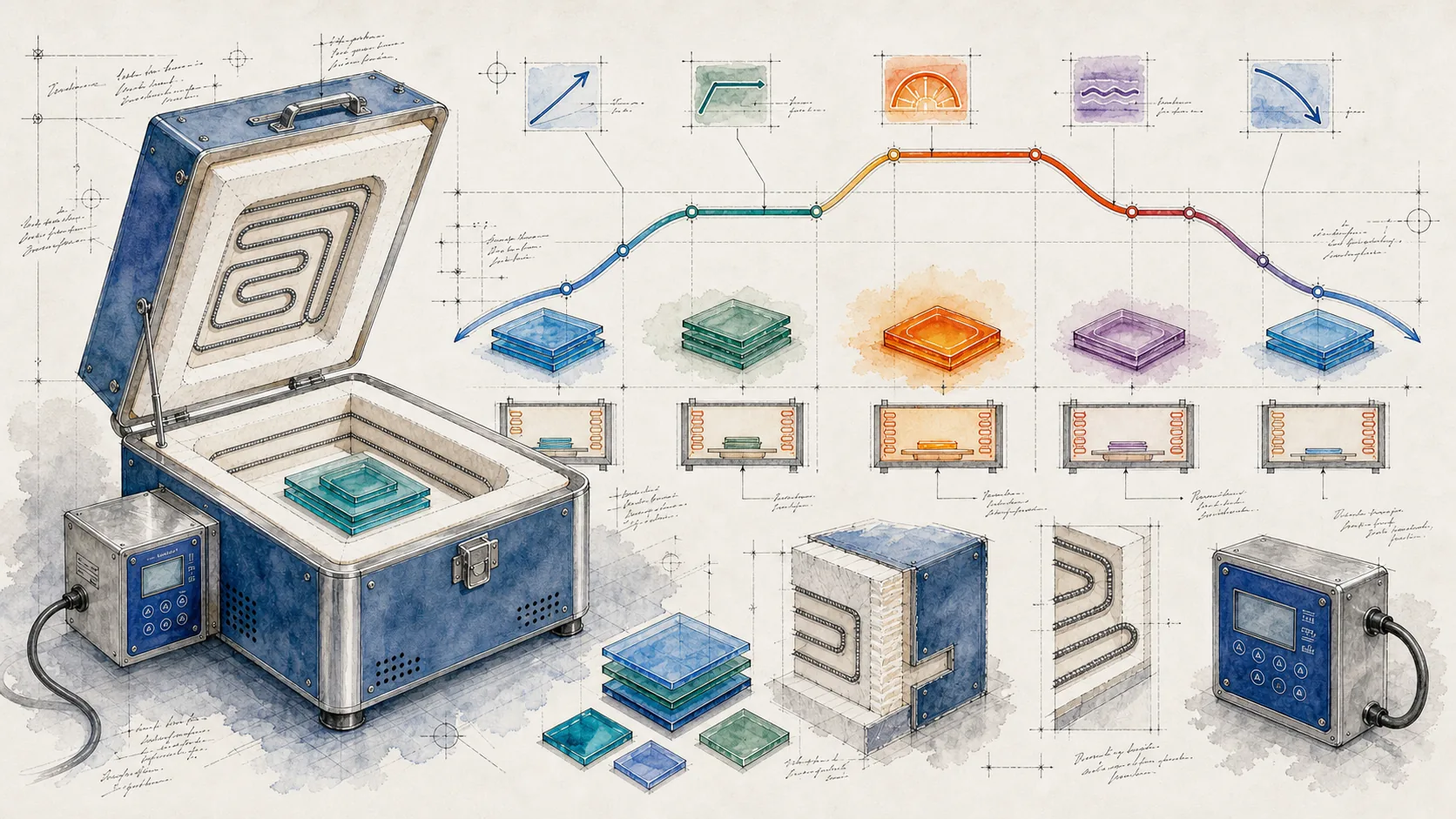
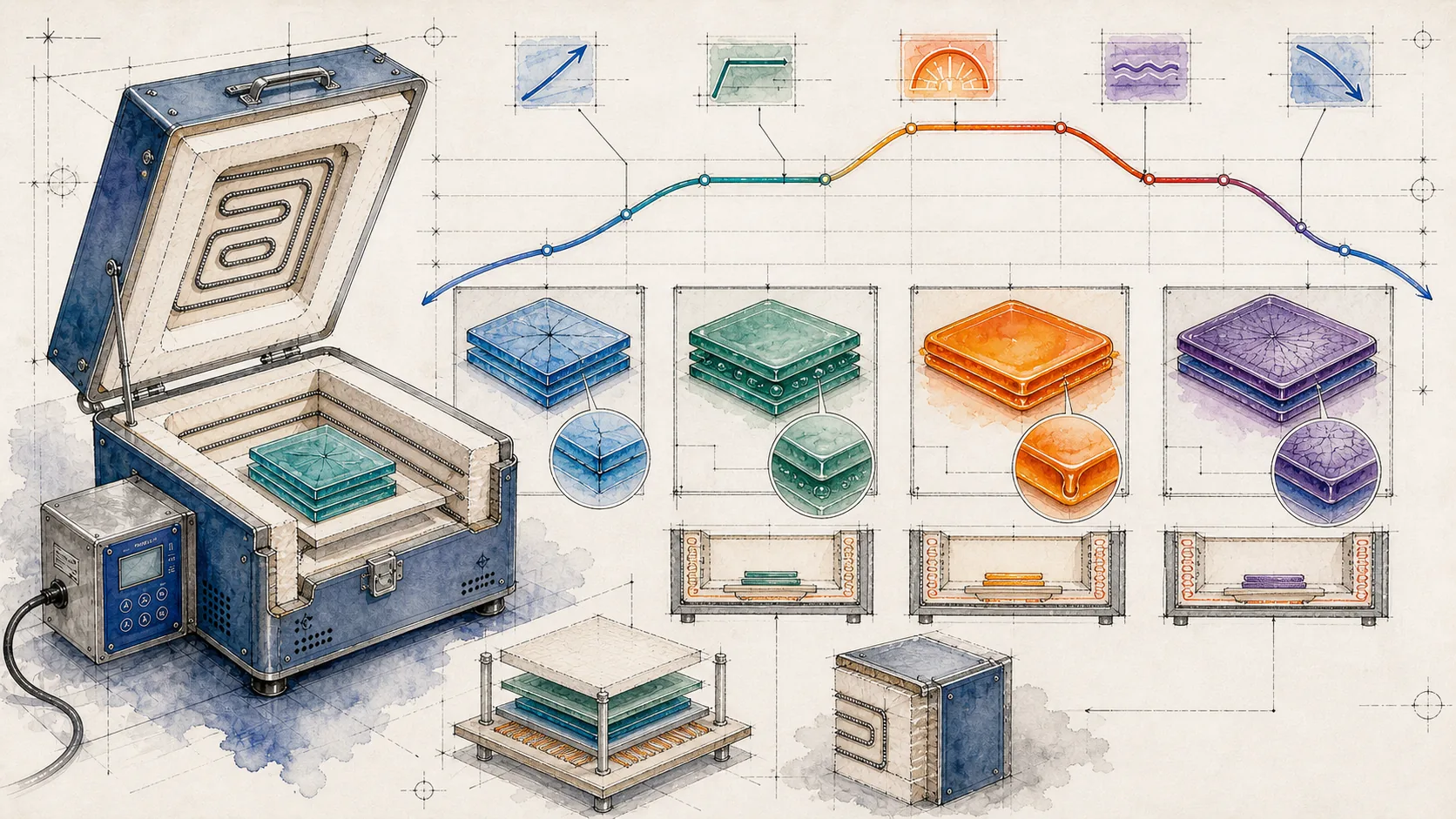
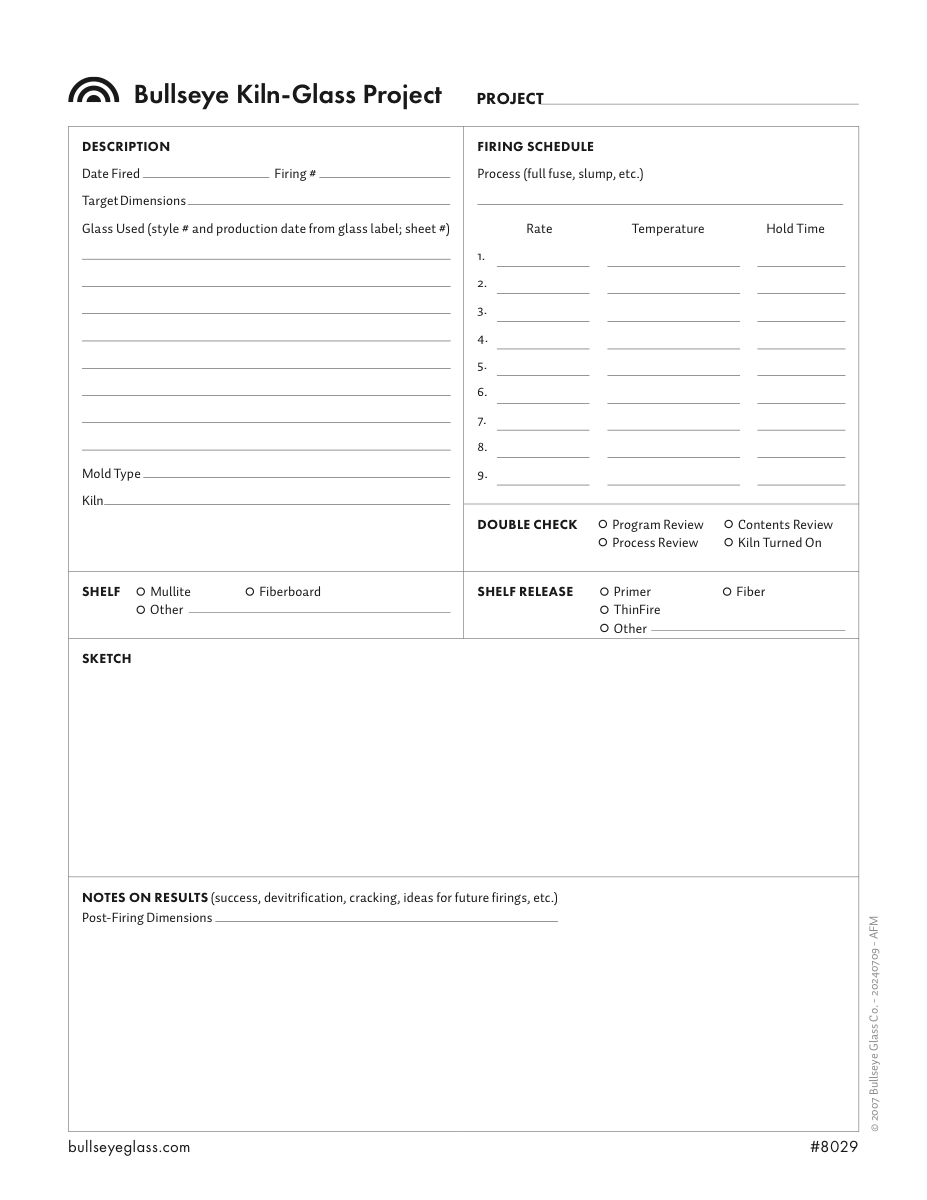
Keep studio notes, recipes, firing references, and project context together as you learn and make.
Save the references and decisions you want to come back to while planning glass projects.
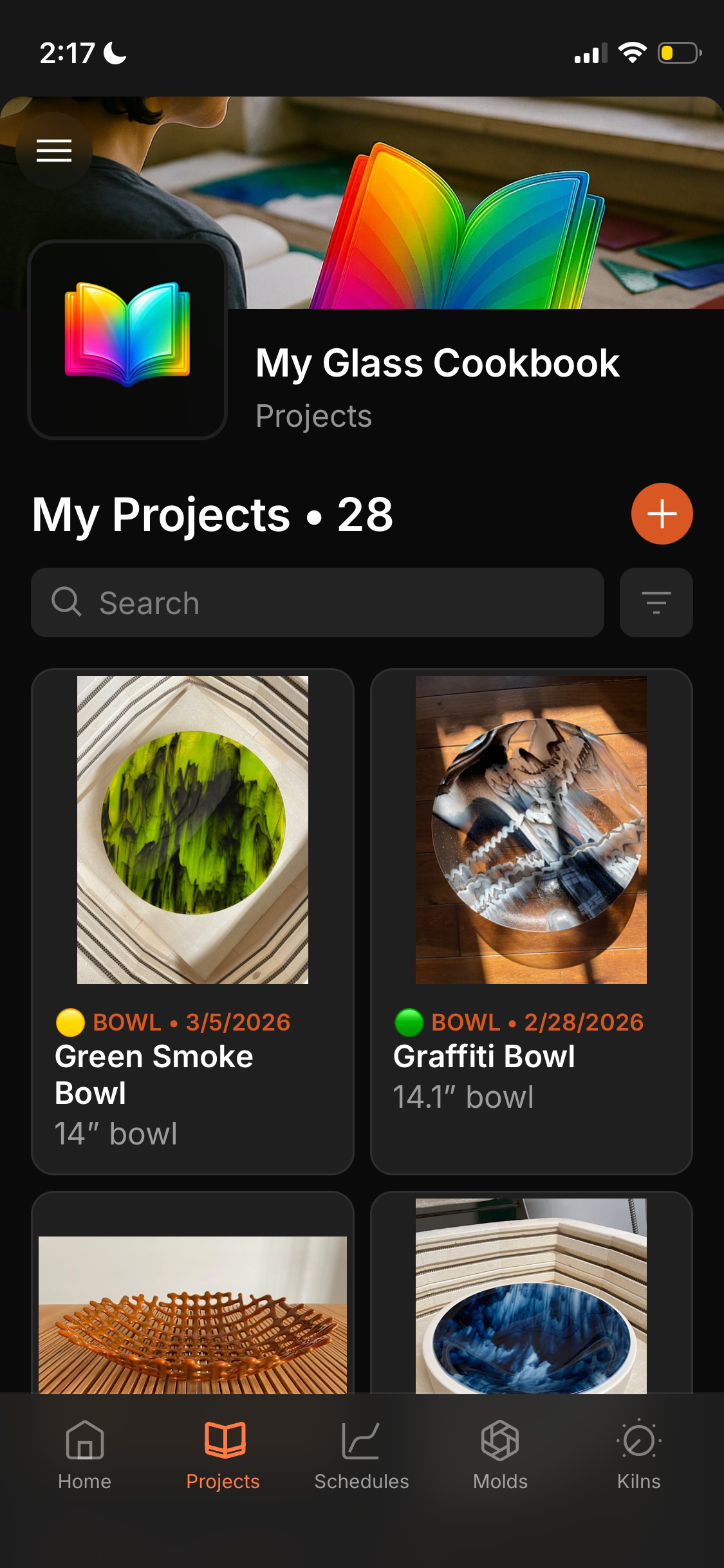
Inside the app
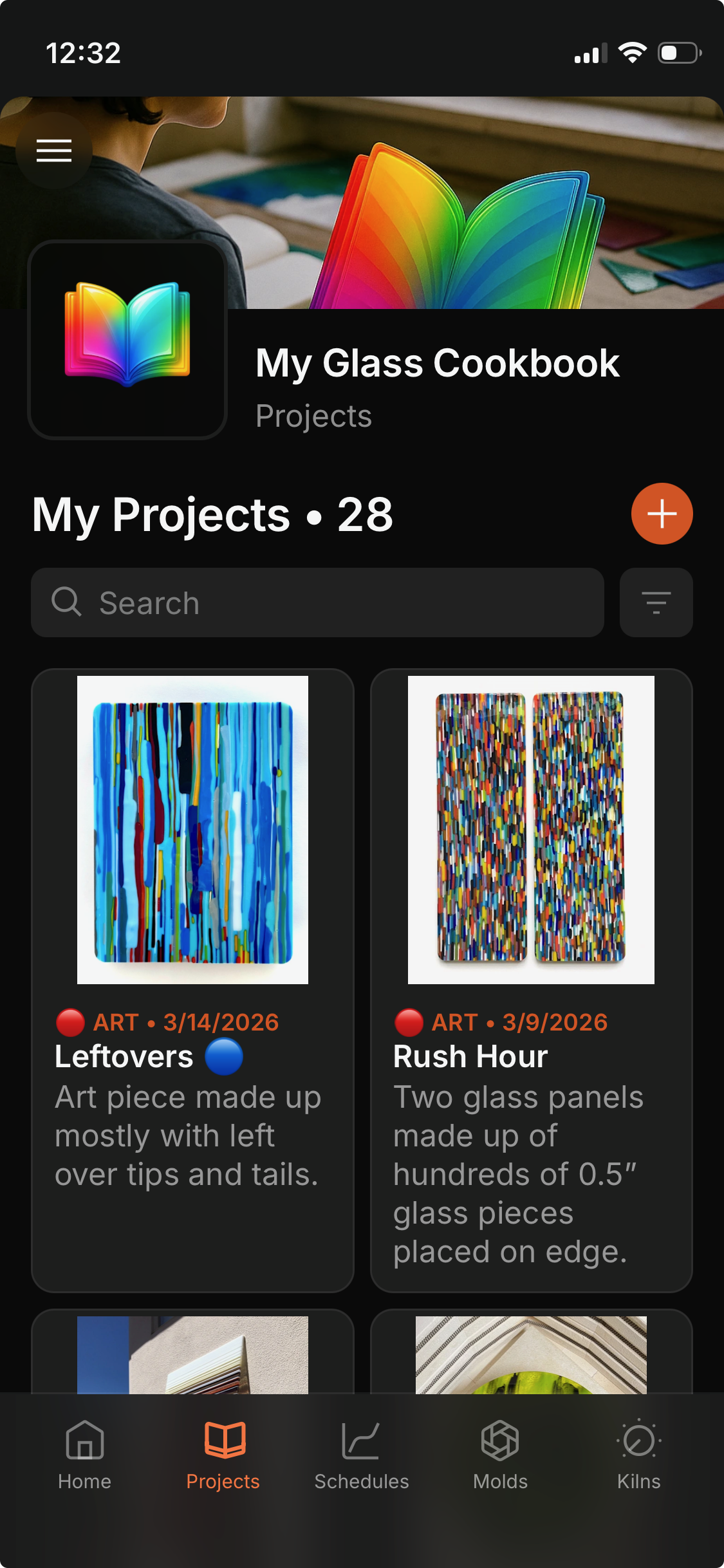
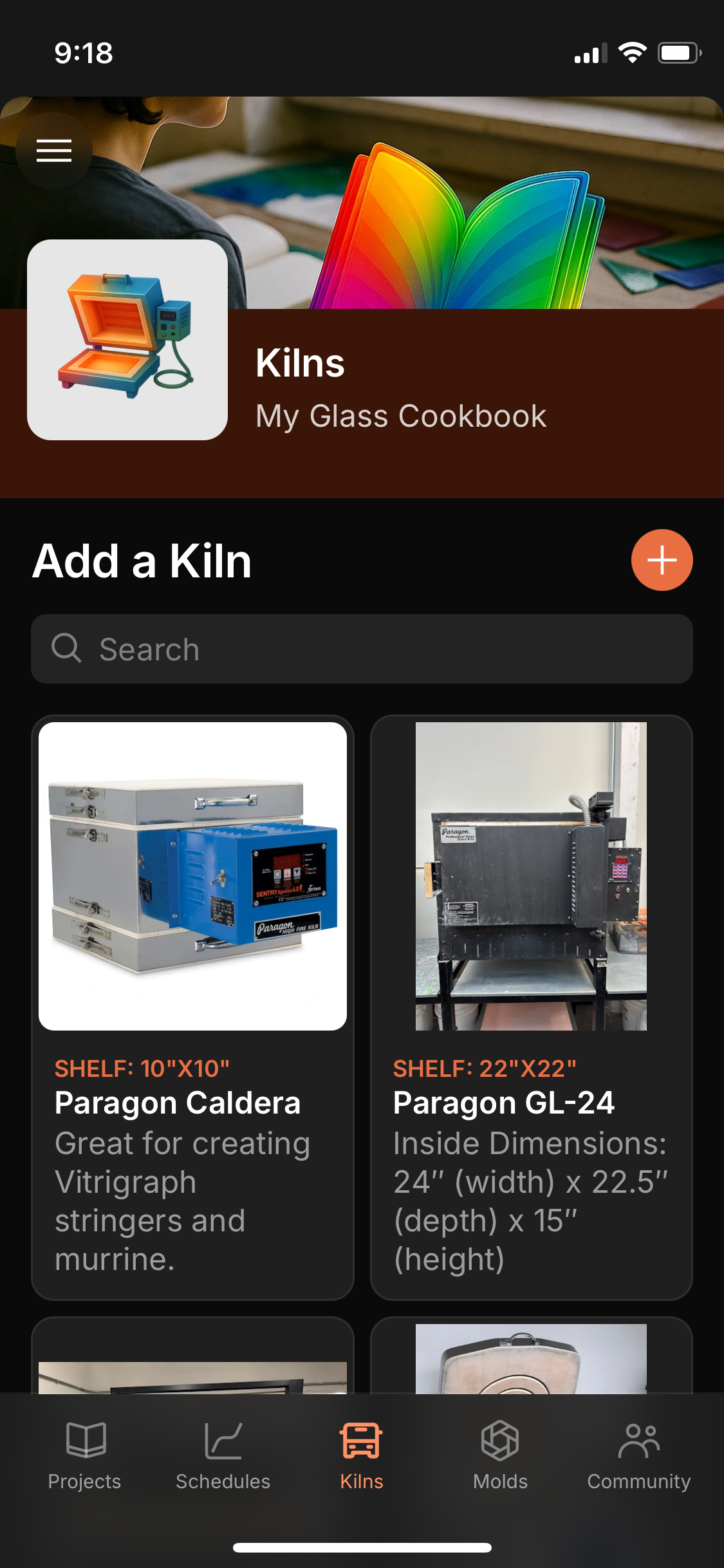
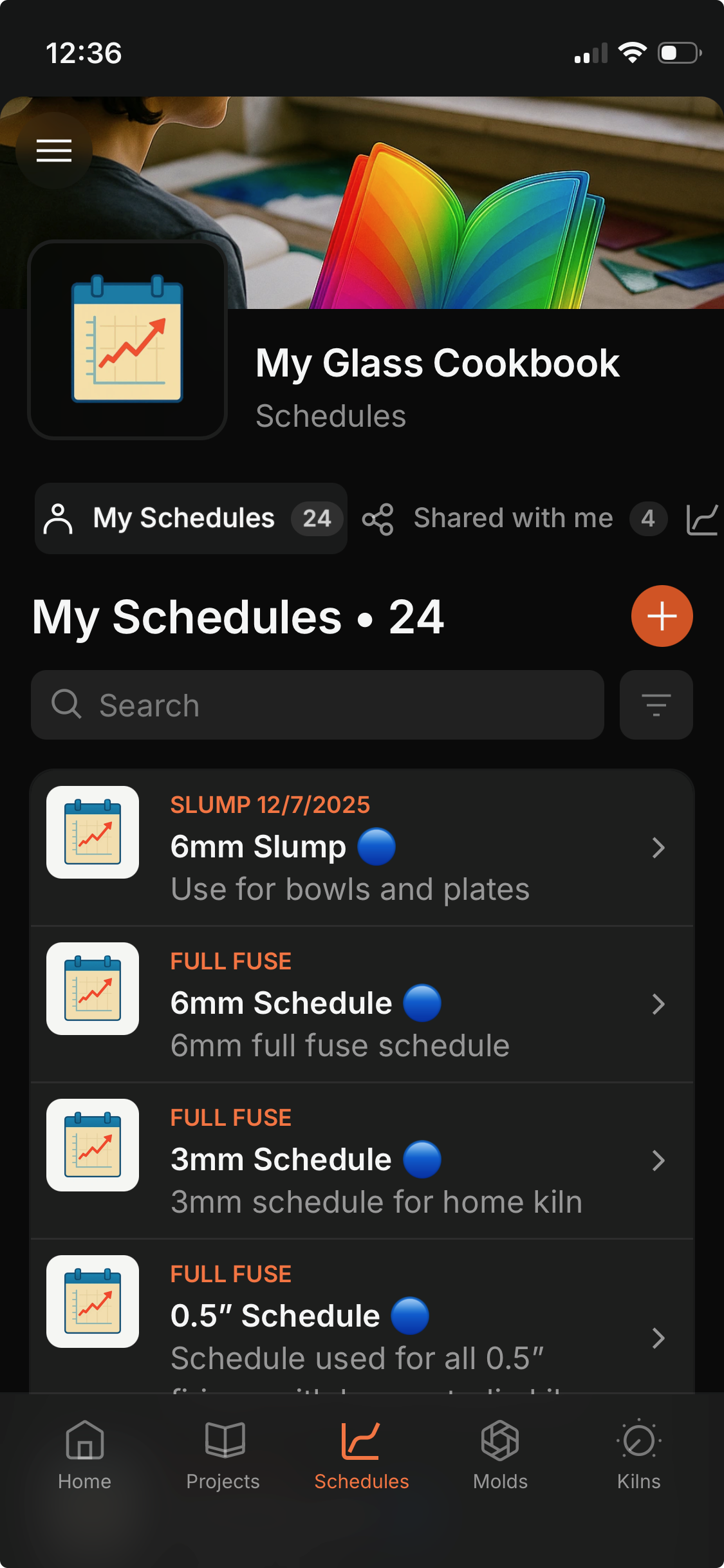
What it does
The original My Glass Cookbook app is becoming the studio notebook tool inside the larger MGC family.
Three useful ways to use it
Where it fits
The Portal is the free learning layer. This tool is part of the practical bench that helps you move from reference material into glass choices, schedules, templates, notes, and repeatable studio decisions.